
































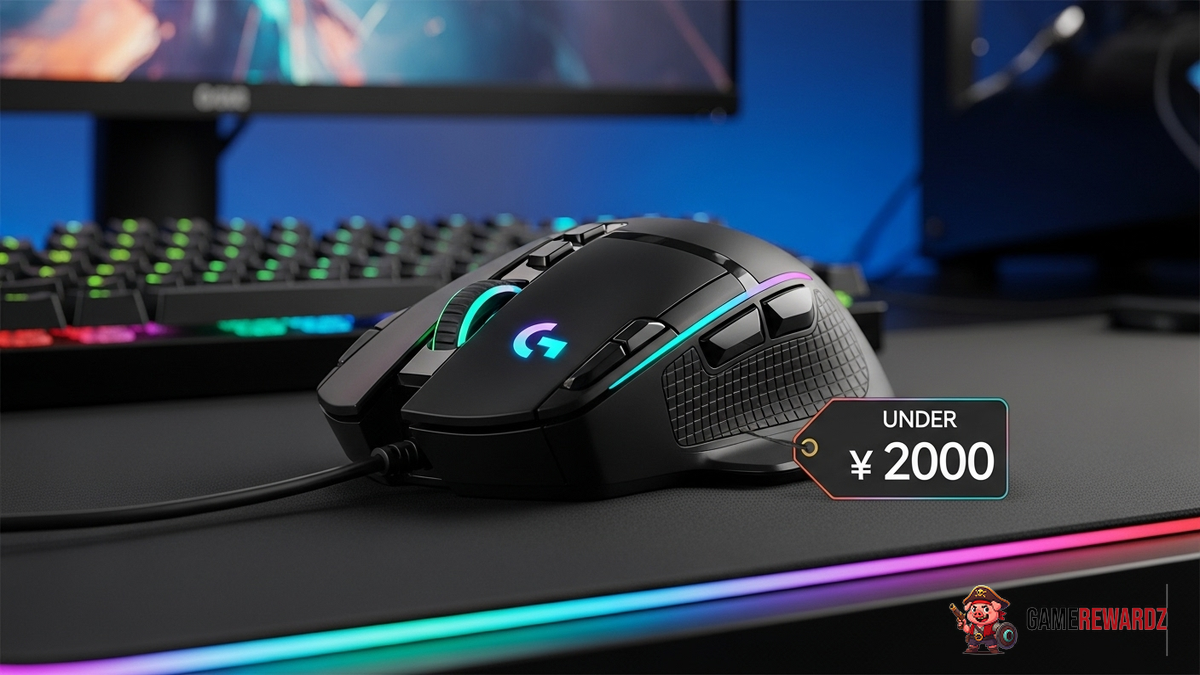
Okay, let's talk gaming mice. Specifically, the best budget gaming mouse under 2000. Because, let's be honest, not all of us are rolling in dough, right? We want to frag some noobs without emptying our wallets. I've been there, done that, and bought the t-shirt (which, ironically, probably cost more than some of these mice!).
Finding a decent gaming mouse on a budget can feel like searching for a unicorn riding a skateboard. There's a lot of… well, let's just say less-than-stellar options out there. But fear not! I've spent hours (and a few too many late nights) sifting through the options to bring you some genuine contenders. Think of me as your budget-gaming-mouse sherpa. I'll guide you through the perilous landscape of DPI, polling rates, and RGB lighting (because, let's be honest, a little RGB never hurt anyone).
Why Bother With a Gaming Mouse, Anyway?
You might be thinking, "Hey, my regular mouse works just fine!" And yeah, it probably does work. But a dedicated gaming mouse can seriously up your game. Think about it: higher DPI for faster, more precise movements, programmable buttons for those complex macros you've always wanted to try, and ergonomics designed for hours of comfortable play. It's the difference between driving a beat-up old sedan and hopping into a sports car. Both get you there, but one is a whole lot more fun.
Plus, let's be real, they look cool. And looking cool is half the battle, right? (Okay, maybe not, but it definitely doesn't hurt.) Seriously though, if you’re looking to elevate your gaming experience without breaking the bank, a budget gaming mouse is an awesome starting point. You can check out a website like Crazy Games, where there are a variety of games available and see how the mouse feels.
DPI, Polling Rate, and Other Jargon (Explained Simply)
Okay, let's demystify some of the techy stuff. DPI stands for "dots per inch," and it basically measures how sensitive your mouse is. Higher DPI means smaller movements of your hand translate to bigger movements on the screen. Polling rate, measured in Hz, is how often the mouse reports its position to the computer. Higher polling rate means less lag. Now, here's the thing: you don't necessarily need the highest DPI or polling rate in the world. In fact, too high a DPI can make your mouse feel twitchy and uncontrollable. It's all about finding what feels comfortable for you.
I remember when I first started getting into PC gaming, I was totally overwhelmed by all the technical specifications. I thought I needed the most expensive, highest-DPI mouse on the market to be competitive. Turns out, I was completely wrong! A well-designed, comfortable mouse with a decent DPI and polling rate is often more than enough. The secret obby rewards are not as important as the gaming mouse, click here.
Features to Look for in a Budget Gaming Mouse Under 2000
So, what should you be looking for in your quest for the perfect budget gaming mouse? Here's a quick rundown:
- Ergonomics: This is huge. If the mouse doesn't feel comfortable in your hand, you're going to have a bad time. Look for a shape that fits your grip style (palm, claw, or fingertip) and size.
- DPI Range: A wide DPI range gives you more flexibility to adjust the sensitivity to your liking.
- Programmable Buttons: Extra buttons can be super handy for mapping macros or frequently used commands.
- Build Quality: You want a mouse that can withstand some abuse. Look for sturdy construction and durable materials.
- Wired vs. Wireless: Wired mice generally offer lower latency, while wireless mice offer more freedom of movement. It's a matter of personal preference.
- Sensor Quality: The sensor is the heart of the mouse. A good sensor will track accurately and consistently.
Don't get bogged down in the super-nitty-gritty details. The most important thing is to find a mouse that feels good in your hand and performs well in your favorite games.
My Top Picks (Because I Have to Pick Something!)
Alright, I know you're waiting for this part. So here are some mice that I think represent excellent value for money. These are based on personal experience, research, and a whole lot of reading reviews. Remember, everyone's hands are different, so what works for me might not work for you. Consider this a starting point, not the final word.
(I’m not going to mention specific brands here because models change so rapidly, and also to avoid sounding like an advertisement! You'll need to do a little digging yourself based on the criteria mentioned above, keeping your budget in mind.)
Think about the type of games you play most often. For fast-paced shooters, you'll want a mouse with a high DPI and low latency. For MOBAs or MMOs, programmable buttons can be a lifesaver. And for general use, comfort is key. You should also unlock characters to use with your gaming mouse from this page.
I initially thought wireless was the best option until I realised that sometimes the fastest response time is available with a wired mouse.
FAQ: Your Burning Questions Answered
Is a higher DPI always better for a budget gaming mouse under 2000?
Nope! This is a common misconception. While a higher DPI can be useful, it's not always necessary. In fact, too high a DPI can make your mouse feel twitchy and hard to control. It's better to find a DPI that feels comfortable and accurate for you, regardless of the maximum DPI of the mouse.
How do I know if a gaming mouse is ergonomic?
The best way to know if a gaming mouse is ergonomic is to try it out in person. Unfortunately, that's not always possible. Read reviews and pay attention to the shape, size, and materials of the mouse. Consider your grip style (palm, claw, or fingertip) and choose a mouse that's designed for it. For example, a mouse with a high arch might be better for palm grip, while a flatter mouse might be better for claw grip.
Wired or wireless, which is better for a budget gaming mouse under 2000?
It depends on your preferences and priorities. Wired mice generally offer lower latency and are less prone to interference. Wireless mice offer more freedom of movement and can be more convenient. If you're a competitive gamer, a wired mouse might be a better choice. But if you value convenience and don't mind a slight increase in latency, a wireless mouse can be a great option.
What's the deal with RGB lighting? Is it just for show?
RGB lighting is definitely a matter of personal preference. Some people love it, while others couldn't care less. It doesn't affect the performance of the mouse, but it can add a bit of flair to your setup. And hey, if a little RGB makes you happy, go for it!
Final Thoughts: Game On (Without Breaking the Bank)
Finding the best budget gaming mouse under 2000 doesn't have to be a chore. With a little research and some careful consideration, you can find a mouse that will enhance your gaming experience without emptying your wallet. So go forth, frag some noobs, and have fun! Remember, it's not about the gear; it's about the skill (and maybe a little bit of luck).














![Peggle [FLASH] Game](https://gamerewardz.com/thumbs/peggle-flash-game_2.webp)








