
































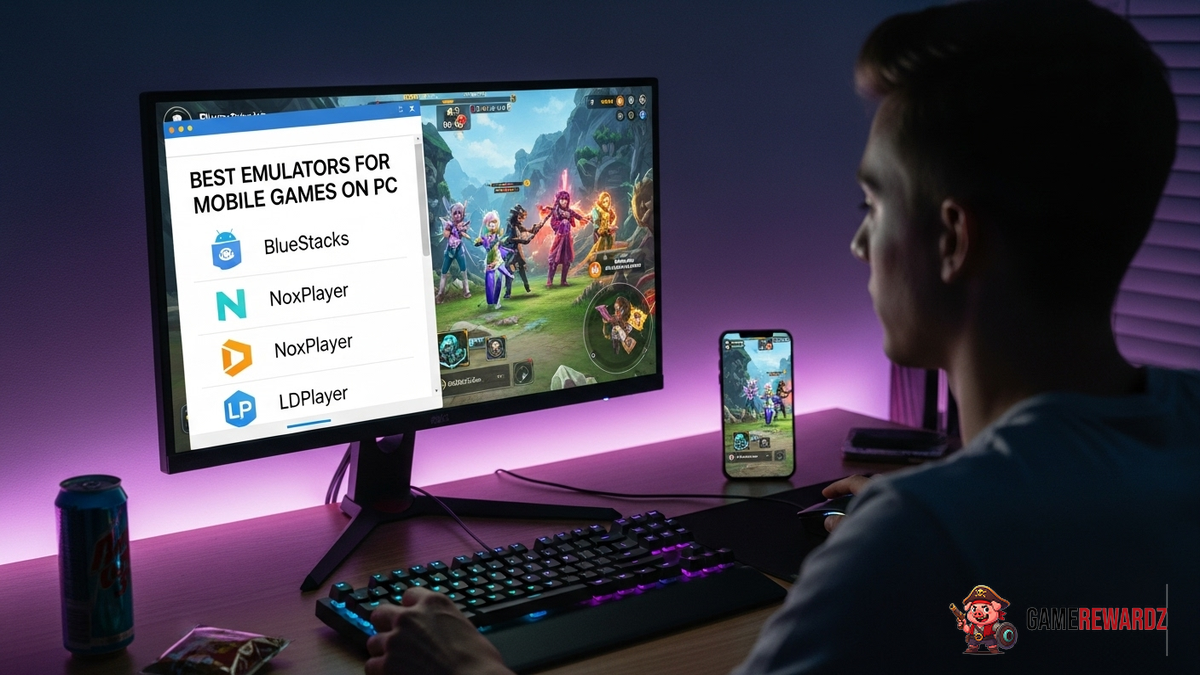
Okay, let's talk mobile games. And, more specifically, let's talk about playing them on something bigger than your phone screen. I mean, squinting at tiny characters and fat-fingering controls? No thanks. That’s where emulators come in. But with so many options out there, finding the best emulator for playing mobile games on PC can feel like searching for a needle in a digital haystack.
You might be wondering, why even bother? Well, think about it: bigger screen, keyboard and mouse controls, potentially better performance (depending on your PC, of course), and the ability to stream your gameplay without draining your phone battery. Trust me, it's a game-changer. Pun intended.
But not all emulators are created equal. Some are clunky, some are riddled with ads, and some just flat-out don't work. So, I've spent way too many hours (for research, obviously) testing out different emulators to bring you the lowdown. This isn't going to be your typical sterile review. It's more like a conversation between friends, sharing tips and tricks learned the hard way.
Why Use an Emulator Anyway?
Beyond the obvious (bigger screen!), there are some pretty compelling reasons to use an emulator. For starters, you can often get better performance than you would on your phone. This is especially true if you have a slightly older phone or a lower-end device. Emulators leverage your PC's hardware, which is usually beefier than what's in your pocket. Plus, using your mouse and keyboard is an absolute pleasure when executing complex combos on games like Mobile Legends: Bang Bang. Speaking of, check out this overview of io games!
And let's not forget multi-instance support. This basically means you can run multiple instances of the same game (or different games) at the same time. Perfect for those of us who are, shall we say, ambitious in our gaming habits.
The frustrating thing about some emulators, though, is the sheer amount of bloatware they sometimes try to sneak in. Seriously, who needs three different toolbars and a crypto miner when all you want to do is play a game? That's why choosing the right emulator is so important.
My Top Emulator Picks (and Why)
Okay, so here's the deal. I’m not going to give you a ranked list, because the "best" emulator really depends on your specific needs and preferences. Instead, I'm going to highlight a few of my favorites and explain why they might be a good fit for you.
- BlueStacks: Probably the most well-known emulator out there, and for good reason. It's been around for ages, it's constantly updated, and it supports a massive library of games. BlueStacks also offers some cool features like key mapping and multi-instance support. But be warned: it can be a bit resource-intensive, so you'll need a decent PC to run it smoothly.
- LDPlayer: This one's a bit of a dark horse. LDPlayer is fast and lightweight, and it's specifically optimized for gaming. It also has a clean and intuitive interface, which is a big plus in my book. I've found it to be particularly good for running older or less demanding games. Also, it is really easy to install and use.
- NoxPlayer: Similar to BlueStacks, NoxPlayer is a popular and feature-rich emulator. It offers key mapping, multi-instance support, and even controller support. One thing I like about NoxPlayer is its customizable interface. You can tweak almost everything to your liking. But just like BlueStacks, it can be a bit heavy on resources.
Of course, there are other emulators out there, like MEmu Play and KoPlayer. But these three are my go-to choices.
But it's not only the emulator choice that will make or break your experience. The best Android games also matter. It has to be worth moving from a mobile device to your personal computer, don't you think? Check out this list of amazing games to spice things up and enjoy with friends!
Tweaking for Optimal Performance
So, you've picked an emulator. Great! But don't expect it to run perfectly right out of the box. You'll probably need to tweak some settings to get the best performance. Here are a few things to try:
- Allocate more RAM: Most emulators allow you to specify how much RAM they can use. Give it as much as you can spare (without crippling your PC, of course).
- Enable virtualization: Virtualization allows your CPU to run multiple operating systems more efficiently. This can significantly improve emulator performance.
- Adjust graphics settings: If you're experiencing lag or stuttering, try lowering the graphics settings in the emulator.
- Update your graphics drivers: This is a no-brainer, but it's worth mentioning. Make sure you have the latest drivers installed for your graphics card.
I initially thought that emulators were just a fun little experiment, but I was wrong. They can greatly improve your experience. And don’t forget this article with lots of free items, you will definitely need them!
FAQ: Emulators Edition
How do I know if my PC can run an emulator?
Good question! The minimum requirements vary depending on the emulator, but generally speaking, you'll need a PC with at least 4GB of RAM, a decent processor (Intel Core i3 or AMD equivalent), and a graphics card with at least 1GB of VRAM. Of course, the better your hardware, the smoother the experience will be. If you are unsure what you need, check out the documentation for the game that you want to play.
Is using an emulator safe?
Generally, yes, but there are a few things to keep in mind. First, download emulators only from reputable sources. Avoid shady websites that might bundle malware with the installer. Second, be careful about granting emulators excessive permissions. Some emulators might ask for access to your contacts, location, or other sensitive data. Only grant permissions that are absolutely necessary.
Can I get banned for using an emulator?
This is a tricky one. Some games explicitly prohibit the use of emulators, while others turn a blind eye. Check the game's terms of service before using an emulator to avoid getting banned. As a general rule, if the game involves competitive multiplayer, using an emulator might give you an unfair advantage, and you could get banned. Otherwise, you are probably safe.
What is the best emulator for playing mobile games on PC for a low-end PC?
If you have a low-end PC, your best bet is to go with a lightweight emulator like LDPlayer. It's designed to be fast and efficient, even on older hardware. Also, try lowering the graphics settings in the emulator to further improve performance. Don't expect to run the most demanding games at max settings, but you should be able to play most games at a reasonable frame rate.














![Peggle [FLASH] Game](https://gamerewardz.com/thumbs/peggle-flash-game_2.webp)








