
































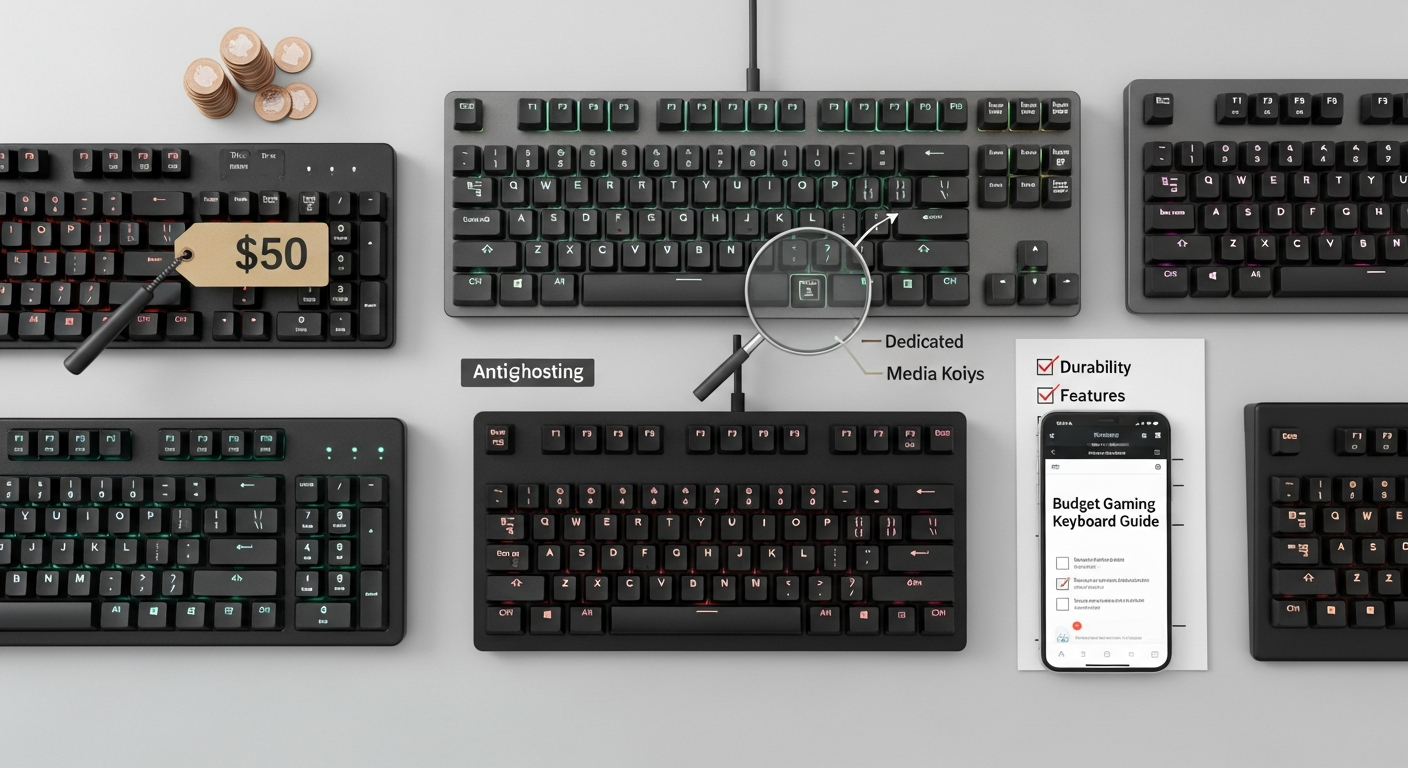
Let's be honest, wading through the options for a budget gaming keyboard can feel like trying to find a diamond in a coal mine. So many choices, so much jargon. Do you really need mechanical keys? What about RGB? And what is anti-ghosting anyway? I remember when membrane keyboards were the only option; now, the sheer number of choices is enough to make your head spin.
But fear not, aspiring gamer on a budget! Getting a great keyboard for gaming without breaking the bank is totally doable. It just takes a little know-how, a willingness to compromise (slightly!), and maybe a strong cup of coffee to get you through the research. I mean, who has the money for a $300 keyboard when the new GPU costs a small fortune?
Mechanical vs. Membrane: The Big Question
This is where most people get hung up. Mechanical keyboards are often touted as the holy grail of gaming keyboards. And, yeah, they're great. They offer tactile feedback, satisfying clicks (or silent smoothness, depending on the switches), and generally last a heck of a lot longer than membrane keyboards. But they also come with a steeper price tag. Are they essential for enjoying games? Nope. Are they nice to have? Absolutely.
The frustrating thing about this topic is – the term "gaming keyboard" is itself so broad. What I mean is, there is so much marketing hype involved. You can have great gaming experience with a membrane keyboard. Don’t let anyone tell you otherwise. Speaking of which, ever tried optimizing your Fortnite landing strategy? Here is the guide Fortnite landing tricks
Membrane keyboards, on the other hand, use a rubber membrane under the keys. They're quieter, usually cheaper, and often spill-resistant. The downside? They can feel a bit mushy, and the key presses might not be as precise. But for many gamers, especially those on a tight budget, they're a perfectly viable option. It really boils down to personal preference.
Key Features to Consider (Besides Price)
Okay, so you've decided on mechanical or membrane. Now what? Here are a few other features to keep in mind:
- Anti-Ghosting/N-Key Rollover: This is crucial for gaming. It means the keyboard can register multiple key presses simultaneously, preventing missed inputs during frantic gaming sessions. Look for keyboards that advertise N-key rollover (NKRO) or at least anti-ghosting on a decent number of keys.
- Wired vs. Wireless: Wireless keyboards offer more freedom of movement, but they can introduce latency (delay) – a big no-no for competitive gaming. Wired is generally the way to go for serious gamers, especially on a budget where you want to minimize potential issues.
- Backlighting: Do you need RGB lighting that cycles through a million colors? Probably not. But backlighting, in general, can be helpful for gaming in low-light conditions. Many budget keyboards offer basic single-color or zone-based backlighting.
- Build Quality: This one's tricky to assess without seeing the keyboard in person. Look for reviews that mention durability and sturdiness. A flimsy keyboard won't last long, especially if you're a particularly enthusiastic gamer.
Budget Keyboard Recommendations (Keep an Eye Out for Sales!)
I'm not going to list specific models here because prices and availability change so quickly. But here's the thing: keep an eye out for sales! Many reputable brands offer excellent budget-friendly gaming keyboards. Look at brands like Corsair, Logitech, Redragon, and HyperX. Read reviews, compare specs, and don't be afraid to snag a deal when you see one.
I initially thought finding a perfect keyboard on budget is impossible. But after doing some research and testing, I found multiple options.
The Switch Dilemma: Blues, Reds, Browns… What?!
If you're going mechanical, you'll quickly encounter the world of key switches. Cherry MX switches are the most well-known, but there are plenty of other brands out there too. Here’s a very quick rundown:
- Blue Switches: Clicky and tactile, great for typing but can be noisy.
- Red Switches: Linear and smooth, popular for gaming due to their fast response.
- Brown Switches: Tactile but not clicky, a good middle ground for typing and gaming.
Honestly, the best way to figure out which switch type you prefer is to try them out. Many electronics stores have keyboard testers. If that's not possible, watch some videos and read descriptions to get a feel for the different switch types. I keep coming back to this point because it's crucial – switch type is very personal. And remember, the same principles apply when you're seeking out the best landing spots in BGMI. Check it out.
FAQ: Your Budget Gaming Keyboard Questions Answered
How do I know if a budget gaming keyboard is actually worth buying?
Read reviews! Seriously. Look for reviews from reputable sources that specifically address the keyboard's performance in games. Pay attention to comments about key responsiveness, build quality, and any potential issues. Also, check the return policy – if you can easily return it if you're not satisfied, that's a good sign.
What's the most important feature to look for in a budget gaming keyboard?
Anti-ghosting or N-key rollover. Without it, you're going to miss key presses, especially in fast-paced games. It's the single most important feature for ensuring accurate input.
Are membrane keyboards really that bad for gaming?
Not necessarily! While mechanical keyboards offer a more tactile and responsive feel, membrane keyboards can still be perfectly adequate for gaming, especially if you're on a tight budget. The key is to find a membrane keyboard with decent key travel and anti-ghosting features.
Why are some gaming keyboards so expensive?
You're paying for premium features like high-quality mechanical switches, advanced RGB lighting, customizable software, and durable construction. Expensive keyboards are often designed to last for years and offer a superior gaming experience. But, as we've discussed, you don't need all those bells and whistles to enjoy your games.
Is a wired or wireless keyboard better for gaming on a budget?
For a budget setup, a wired keyboard is generally better. Wireless keyboards, while convenient, can introduce latency (delay), which can negatively impact your gaming performance. Wired keyboards offer a more reliable and consistent connection.














![Peggle [FLASH] Game](https://gamerewardz.com/thumbs/peggle-flash-game_2.webp)








