
































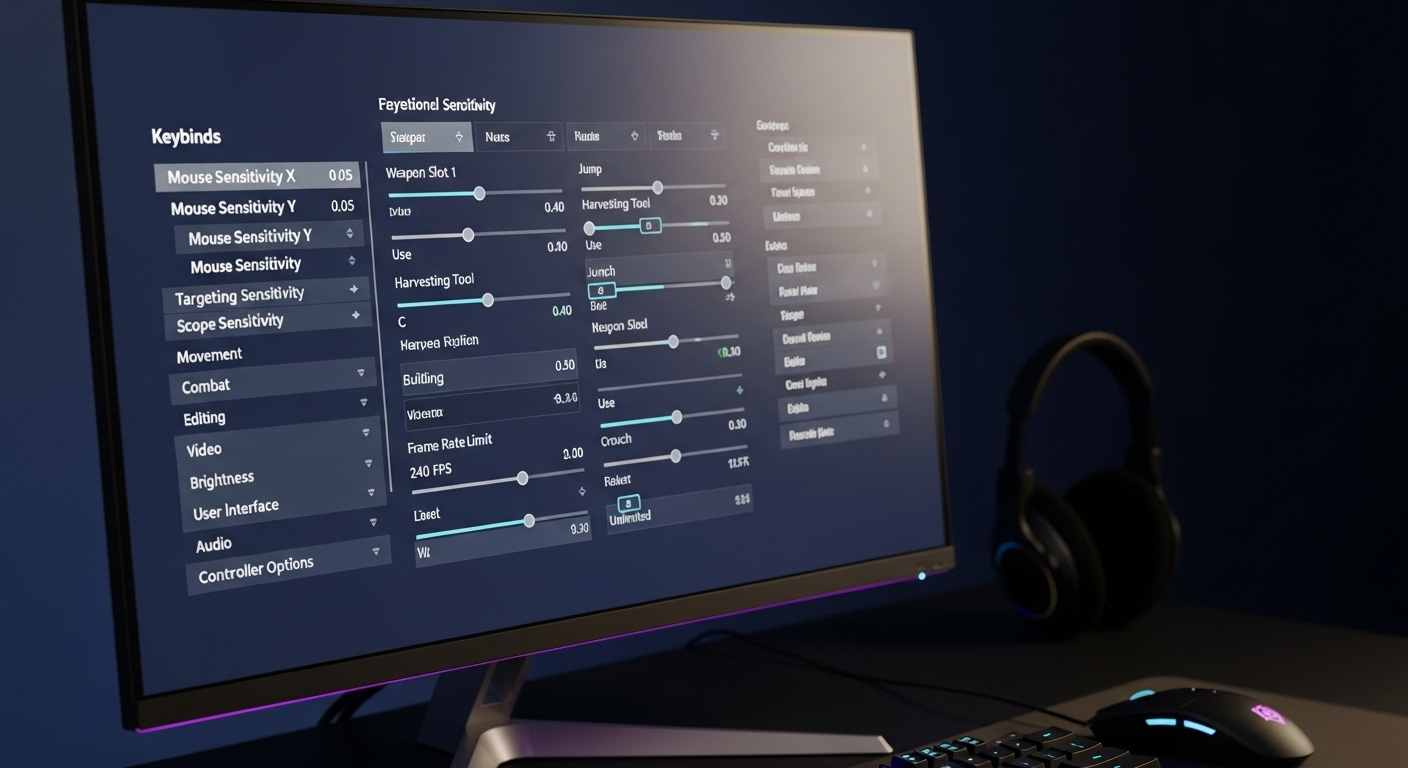
Okay, let's talk Fortnite settings. Not just any Fortnite settings, but the ones that can actually make a difference. The kind pros use. I've been tweaking mine for ages – and trust me, it's a rabbit hole. You see something one streamer does, then another, and suddenly you're buried in menus.
The frustrating thing? What works for Ninja might be terrible for you. Sensitivity, key binds, graphics… it's all so personal. But there are some fundamentals, some baseline configurations that, at the very least, stop you from handicapping yourself. We will get you on track, don't worry.
I initially thought it was all about copying the best players, straight up. But after hours of experimenting (and getting absolutely wrecked), I realized that understanding why certain settings are popular is way more important. So that's the lens we are using today.
Sensitivity Sweet Spot: Finding Yours
Alright, this is where the rubber meets the road. Mouse sensitivity. The Holy Grail. What works? Well, there isn’t a one-size-fits-all answer. Finding your perfect sens involves more than just copying Tfue's settings. It's about what feels right. Actually, that's not quite right, it's also about what helps you track targets consistently.
Here's the thing: Pros often use lower sensitivities. Why? More control. Tiny movements translate to tiny adjustments in-game, which is crucial for accuracy, especially at long range. Think about it this way: a low sensitivity is like driving a luxury car. You feel everything on the road. You are in control. You can really send your opponent back to the lobby.
But – and this is a big but – a super low sensitivity can make building and close-quarters combat a nightmare. You need to be able to turn around quickly! So, a good starting point is to experiment within a range. Maybe start around 5-8% for your X and Y sensitivity, and then adjust from there. ADS (Aim Down Sights) sensitivity is another beast entirely, and you might want to dial that back even further for maximum precision. Just remember: muscle memory is key. Don't switch every five minutes.
Here's a tip I picked up: Use an online sensitivity converter to match your Fortnite sensitivity to other games you play. This can help create a consistent feel across your entire gaming experience.
Keybind Kung Fu: Optimizing Your Controls
Keybinds. Okay, this part fascinates me. It's all about efficiency. Can you build a wall, floor, and ramp without taking your fingers off the movement keys? If not, you're losing precious milliseconds.
A lot of players remap their building keys to easily accessible buttons on their mouse (if they have them) or to keys around WASD. I personally use Q, E, and Shift for building, and it's made a huge difference. But you know, I remember when I started playing this game, I was so confused by everyone's fast building. Then I switched my keybinds and I started building like crazy.
Consider what actions you perform most frequently and map those to the most comfortable keys. Think about things like crouching, weapon switching, and editing. Editing is crucial; the faster you can edit, the better you'll be. Also, I personally like setting my inventory to 1, 2, 3, 4, and 5. Just feels right.
One thing I’ve noticed: Don't be afraid to experiment. What works for one person might not work for you. The goal is to find a setup that feels natural and allows you to react quickly and efficiently. There are many resources online to help with this. Also, this site has a great article about earning free V-Bucks, which you can use to buy custom skins for your setup.
Graphics Settings: Balancing Looks and Performance
Graphics. This is where things get tricky. You want the game to look good, right? But visual fidelity can come at a cost – lower frame rates. And in a fast-paced game like Fortnite, every frame counts.
Most pros prioritize performance over visuals. They typically run on the lowest settings possible to maximize their FPS (frames per second). Shadows are usually turned off (they can be distracting), textures are set to low or medium, and effects are minimized. The aim is to reduce visual clutter and ensure smooth, responsive gameplay.
Now, if you have a beast of a PC, you can probably get away with cranking up some of the settings. But if you're struggling to maintain a consistent 60+ FPS, it's time to dial things back. I know, it's not as pretty, but trust me, the competitive edge is worth it. If you're interested in more on this topic, you can check out resources like this on video game graphics to learn more.
Speaking of performance, be sure to close any unnecessary programs running in the background. Discord, Chrome tabs… they can all eat into your system resources. Optimize your PC for gaming and you'll be surprised at how much smoother Fortnite runs.
Also, there are some tricks to optimizing your PC. Turning off game mode, using the Nvidia GeForce experience to optimize Fortnite, and closing unnecessary background apps are all good places to start.
Audio: Listen Up!
Don’t sleep on your audio settings! Knowing where footsteps are coming from, or the direction of gunfire, is absolutely crucial. I can't stress this enough.
Experiment with different audio settings to find what works best for you. Some players prefer headphones, others prefer speakers. Regardless, make sure you can clearly hear directional audio cues. In game, make sure you have 3D headphones on! I cannot stress this enough.
And make sure your volume levels are properly adjusted. You don't want the game to be too loud, or too quiet. Find a balance where you can clearly hear everything without straining your ears. Your ears will thank you in the long run. Speaking of listening, you might also be interested in this piece about how to boost your stats.
Before I forget, you should also check out this article about getting unlimited UC!
FAQ: Fortnite Settings Deep Dive
How do I know if my sensitivity is too high or too low?
Great question! A good way to test your sensitivity is to jump into a creative map and practice tracking moving targets. If you're constantly overshooting or undershooting your target, your sensitivity is likely too high or too low, respectively. Another indicator is your ability to make micro-adjustments. If you struggle to make small, precise movements, your sensitivity might be too high. Conversely, if you find it difficult to turn around quickly, it might be too low. Start with the sensitivity I mentioned earlier, in the neighborhood of 5-8%. I initially had my sensitivity WAY too high. I could barely track anything!
Why do pros use stretched resolution?
Stretched resolution is a bit of a legacy setting. In the past, it gave players a slight advantage by making targets appear larger and increasing their field of view. Nowadays, with newer monitors and game updates, the benefits are less pronounced. However, some players still prefer it out of habit or because they feel it gives them a competitive edge. Basically, it stretches the screen. The science is there!
What's the deal with input delay, and how do I minimize it?
Input delay is the time it takes for your actions (mouse clicks, key presses) to register in the game. Even milliseconds matter. High input delay can make the game feel sluggish and unresponsive. To minimize input delay, make sure your monitor has a low response time, use a wired mouse and keyboard, disable V-Sync (which can introduce lag), and optimize your PC's performance. Additionally, ensure your drivers are up to date and that you're running the game in fullscreen mode.
Are there any specific settings I should change if I'm on a low-end PC?
Absolutely. If you're rocking a low-end PC, every frame counts. Start by lowering all your graphics settings to the lowest possible values. Disable shadows, lower texture quality, and reduce view distance. Also, consider lowering your resolution. While it might make the game look less pretty, it can significantly improve your FPS. I remember playing on a potato PC and it was the difference between being able to play and being a spectator.
How often should I be changing my settings?
This is a tough one! Constant tweaking is a common trap. I recommend sticking with a set of settings for at least a week or two before making any major changes. This gives you time to adjust and develop muscle memory. Only make changes if you're consistently struggling with a specific aspect of the game, such as aiming or building. And when you do make changes, do them incrementally, one setting at a time. Don't overhaul everything at once!














![Peggle [FLASH] Game](https://gamerewardz.com/thumbs/peggle-flash-game_2.webp)








