
































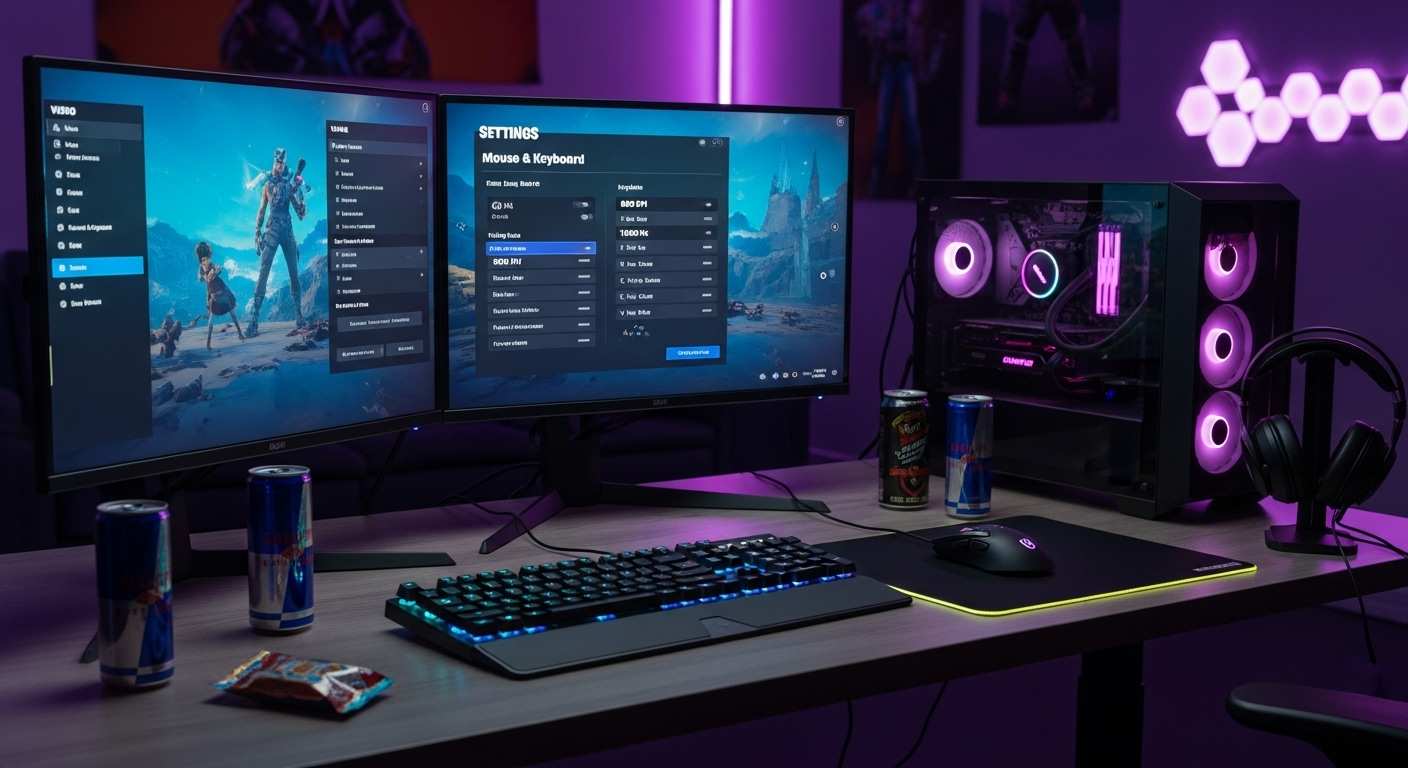
Okay, let's talk Fortnite. Not just playing it, but optimizing it. You know, tweaking those Fortnite settings until they sing a sweet, sweet victory tune. And I'm not talking about just copying what some streamer does – although, hey, no judgment if you do! I mean, who hasn't tried to emulate their favorite pro at least once? Check this out. But truly dialing things in for you? That's a whole different ball game.
I've spent way too many hours (don't tell my boss) experimenting with every single setting imaginable, from the mundane to the downright esoteric. And you know what I've found? There's no magic bullet. No single, perfect configuration that'll instantly transform you into a Fortnite god. Sorry to burst your bubble, but the ideal settings? They're intensely personal.
But! That doesn't mean we can't find YOUR optimal setup. Think of this as a guided tour through the wild, wonderful world of Fortnite options, with a few of my (potentially controversial) opinions thrown in for good measure.
Understanding Key Fortnite Settings for Pros
Let's start with the biggies. The settings that, in my experience, have the most impact on performance and feel. First up: Mouse sensitivity. This is like the holy grail, right? Everyone's obsessed with it. And for good reason. Too high, and you'll be flailing around like a newborn giraffe on ice. Too low, and you'll feel like you're steering a tank. It's all about finding that sweet spot.
A lot of pros advocate for relatively low sensitivities. Why? Precision. Micro-adjustments become much easier when your mouse movements are deliberate. I initially thought this was overrated, but after looking deeper, I realized they are right. Personally, I hover around the 6-8% range with 800 DPI. But that's me. The key is to experiment and find what lets you consistently track targets. Headshots, anyone?
Display Mode is next. Fullscreen, always. Windowed or windowed fullscreen modes introduce input lag, which is basically digital poison in a fast-paced game like Fortnite. And while we're at it, turn off VSync. Yes, you might get some screen tearing, but the reduced input lag is worth it, trust me. Now, here's the thing that's so interesting to me. If your system can handle it, crank up that view distance to 'epic'. It can give you a competitive edge by letting you spot enemies from further away. But it can also tank your FPS, so balance is key.
And... I almost forgot! Let's not underestimate the importance of the colorblind modes. I know, I know, it sounds weird if you aren't colorblind. But try them! Seriously. Some of them can make enemies pop out more against certain backgrounds. I've got to admit, this part fascinates me. I personally use Deuteranope 10. Why? I don't know! It just looks... better.
Advanced Configuration Tweaks
Okay, now we're diving into the deep end. These settings might seem minor, but they can add up to a significant advantage. HUD Scale is something a lot of people overlook. But think about it: if your HUD elements are too big, they're obscuring your view. Too small, and you can't read them quickly. Find the sweet spot where you can glance at your health, ammo, and resources without taking your eyes off the action for too long.
Replays. Turn them off. Unless you're actively using them to review your gameplay (which, honestly, you probably should be doing more often), they're just eating up resources in the background. And speaking of resources, close any unnecessary background applications. Seriously. Even that little icon in your system tray can be sucking up precious CPU cycles.
Then there's the whole debate around motion blur and anti-aliasing. Motion blur? Absolutely disable that. It's a visual effect that makes everything look smoother, but it also adds input lag and makes it harder to track fast-moving objects. Anti-aliasing is a bit more nuanced. It smooths out jagged edges, but it can also make the image look a bit blurry. Experiment with different settings to see what works best for you.
But here's the thing: Don't be afraid to experiment. Copying pro settings is a starting point, not the finish line. I remember being frustrated. Find what works for your playstyle, your hardware, and your preferences. It's a journey, not a destination.
The Ergonomics Factor: Setting Yourself Up for Success
This isn't strictly a "settings" thing, but it's crucial for optimal performance: your setup. Posture matters. A good chair with lumbar support is an investment in your health and your game. Monitor height is also key. You want the top of the monitor to be at or slightly below eye level. This reduces neck strain and helps you maintain focus. And don't forget about your keyboard and mouse placement. Keep them close to your body to minimize reaching and strain. The frustrating thing about this topic is, everyone has different body, so it is hard to prescribe general setting.
And breaks, people! Take them! Get up, stretch, walk around. Your body (and your K/D ratio) will thank you for it. I keep coming back to this point because it's crucial. No amount of tweaking settings will compensate for physical discomfort or fatigue.
FAQ: Dialing In Your Fortnite Setup
How do I know if my mouse sensitivity is too high or too low?
A good rule of thumb is to try tracking a moving target in the practice range. If you're constantly overshooting or undershooting, your sensitivity is probably too high or too low, respectively. Also, pay attention to how much effort it takes to make micro-adjustments. If you have to strain to make small movements, your sensitivity is likely too low. A lot of it is dependent on the DPI of your mouse as well.
Why do so many pros use stretched resolution?
Stretched resolution makes character models appear wider, which can make them easier to hit. It can also slightly increase your field of view. However, it can also distort the image and make it harder to see fine details. It's a matter of personal preference. Some players find the trade-offs worthwhile, while others don't.
What's the deal with input lag, and how do I minimize it?
Input lag is the delay between your actions (e.g., moving your mouse, pressing a key) and the corresponding actions in the game. It's caused by a variety of factors, including your hardware, software, and network connection. To minimize input lag, use a wired mouse and keyboard, disable VSync, close unnecessary background applications, and make sure your drivers are up to date. Consider upgrading your monitor to one with a low response time. However, you may need to consider spending some more money to get the best result, that's the point.
Are there any specific Fortnite settings that can improve my FPS?
Yes! Lowering your graphics settings is the most obvious way to improve FPS. Start by turning down your shadow quality, effects quality, and post-processing quality. Also, consider lowering your resolution. Every little thing can improve your gaming experience. The key is to experiment and find the settings that give you the best balance between visual quality and performance.
So, there you have it. My (slightly rambling) guide to optimizing your Fortnite settings. Remember, there's no magic formula. The key is to experiment, find what works for you, and most importantly, have fun. Now get out there and get those Victory Royales!














![Peggle [FLASH] Game](https://gamerewardz.com/thumbs/peggle-flash-game_2.webp)








