
































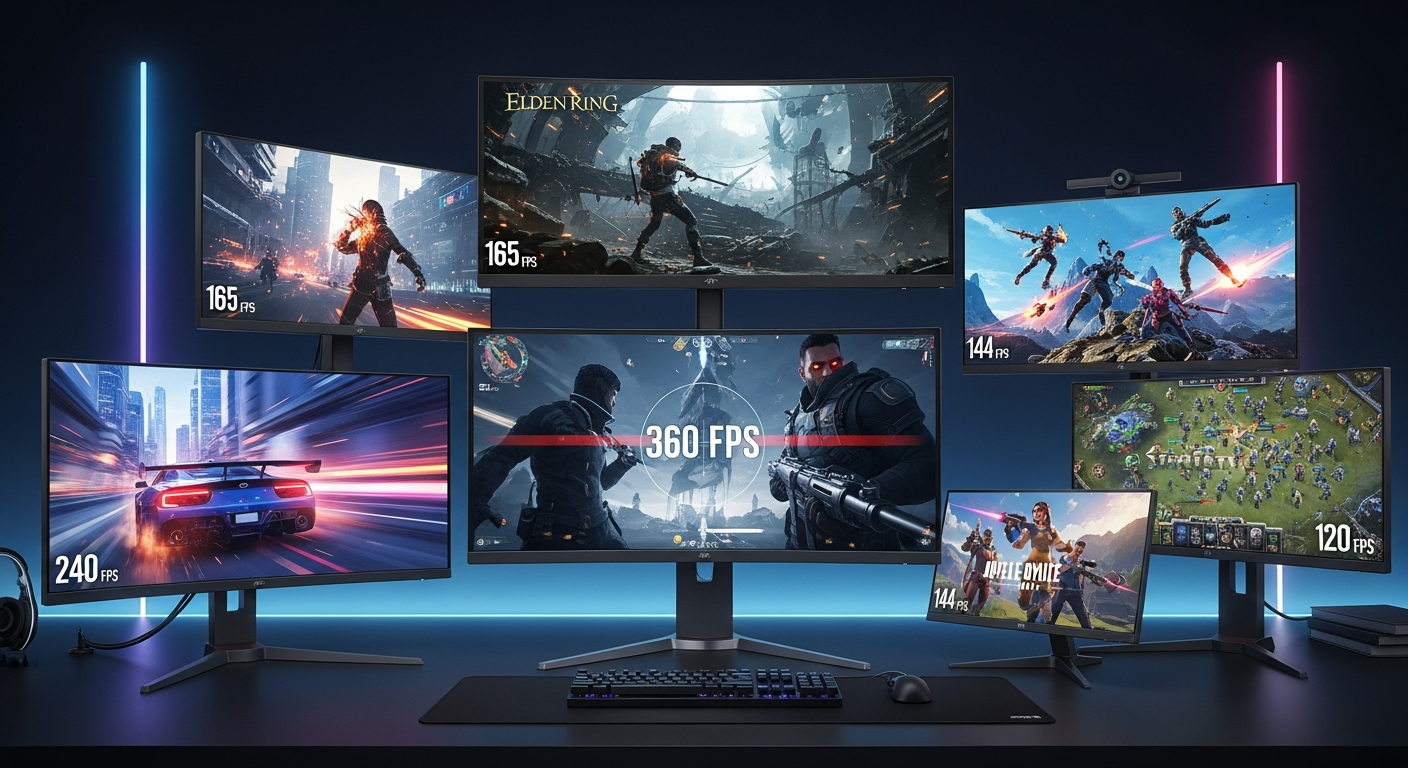
Okay, let's talk gaming monitors. Not just any monitors, but the ones that'll actually make a difference in your high-FPS gaming experience. I'm not going to bore you with specs you can find anywhere – we're diving into the real-world stuff, the things that separate the good from the game-changing. Because honestly, who wants to drop serious cash on something that sounds good but doesn't deliver where it counts?
I remember back when I was rocking a seriously ancient monitor. I thought I was doing alright. Then a buddy let me try out his new 144Hz display. It was like seeing color for the first time. Seriously! The smoothness...the clarity...it was transformative. That's when I realized a good monitor isn't just a luxury; it's a competitive edge. Which leads to the main point, gaming monitors are a must have if you are playing action or fps games.
So, what makes a monitor worthy of your hard-earned cash? It's not just about the refresh rate, though that's definitely a big part of it. It's about the whole package: response time, panel type, resolution, and even things like G-Sync or FreeSync. It's a lot to consider, I know, but we'll break it down.
Refresh Rate: More Than Just a Number
Let's get the obvious one out of the way first: refresh rate. This is measured in Hertz (Hz), and it essentially tells you how many times per second the monitor updates the image. A standard monitor is 60Hz, meaning it refreshes 60 times a second. A 144Hz monitor refreshes 144 times a second, and so on. You might be wondering: is higher always better? Well, yes and no.
The higher the refresh rate, the smoother the image, especially in fast-paced games. This translates to less motion blur and a more responsive feel. Fortnite, CS:GO, Valorant... these games benefit hugely from a high refresh rate. But here's the thing: your graphics card needs to be able to push enough frames per second (FPS) to actually take advantage of that high refresh rate. If you're running a 144Hz monitor but only getting 60 FPS, you're not really seeing the benefit. Think of it like having a sports car but being stuck in traffic.
And there's also the law of diminishing returns. Going from 60Hz to 144Hz is a massive difference. Going from 144Hz to 240Hz? Noticeable, but not as dramatic. And beyond that, the improvements become even more marginal. So, don't feel like you need the absolute highest refresh rate if your system can't handle it, or if the price jump is too steep.
Response Time: Cutting Down on Ghosting
Response time is another crucial factor, and it's often misunderstood. This measures how quickly a pixel can change from one color to another, usually measured in milliseconds (ms). A lower response time means less ghosting or blurring behind fast-moving objects. Now, manufacturers can be a bit... creative... with their response time claims. You'll often see numbers like "1ms MPRT," which sounds great but isn't always representative of real-world performance. Response Time can be defined as time taken by a pixel in a monitor to go from active(black) to inactive(white) and again to active(black).
I initially thought that lower response time is always better, but after looking deeper it is just marketing gimmick. So, pay attention to independent reviews and real-world testing. A response time of 5ms or lower is generally considered good for gaming, but again, it depends on the panel type (more on that in a bit). And honestly, above a certain point, most people won't be able to tell the difference anyway.
Panel Types: TN vs. IPS vs. VA
Ah, panel types. This is where things get interesting. There are three main types of panels used in gaming monitors: TN (Twisted Nematic), IPS (In-Plane Switching), and VA (Vertical Alignment). Each has its own strengths and weaknesses.
TN panels are typically the fastest, with the lowest response times and highest refresh rates. They're often the cheapest option, too. But the trade-off is color accuracy and viewing angles. Colors can look washed out, and the image can shift depending on your viewing angle. IPS panels, on the other hand, offer excellent color accuracy and wide viewing angles. They're great for games with vibrant visuals, or if you also use your monitor for creative work. However, they're generally more expensive than TN panels, and they can suffer from slower response times (though this is improving with newer IPS panels).
VA panels are kind of a middle ground. They offer better color accuracy than TN panels and better response times than older IPS panels. They also tend to have excellent contrast ratios, making blacks look deep and inky. But they can sometimes suffer from smearing or ghosting in fast-paced scenes. Which panel type is best for you really depends on your priorities and your budget. If speed is your absolute top priority, go for a TN panel. If you want the best overall image quality, go for an IPS panel. And if you want a balance of both, consider a VA panel.
Sync Technologies: G-Sync vs. FreeSync
G-Sync and FreeSync are adaptive sync technologies designed to eliminate screen tearing and reduce stuttering. Screen tearing happens when your monitor displays two different frames at the same time, resulting in a visual tear across the screen. Stuttering occurs when your frame rate fluctuates, causing the image to appear jerky.
G-Sync is developed by Nvidia and requires a dedicated G-Sync module in the monitor. It generally offers slightly better performance than FreeSync, but it also adds to the cost of the monitor. FreeSync is developed by AMD and is an open-source standard. It's generally more affordable than G-Sync, and it's compatible with both AMD and Nvidia graphics cards (though you'll need an Nvidia card that supports FreeSync). If you're prone to screen tearing or stuttering, or if you just want the smoothest possible gaming experience, a monitor with G-Sync or FreeSync is definitely worth considering.
Think about it this way: Adaptive sync is like cruise control for your gaming experience. It smooths out the bumps and keeps things running smoothly, even when the action gets intense.
FAQ: Answering Your Burning Questions
How much does resolution affect gaming monitor performance?
Resolution impacts gaming monitor performance a LOT. Higher resolutions (like 1440p or 4K) look sharper and more detailed, but they also require more processing power from your graphics card. If you're running a high-end card, a 1440p or 4K monitor can be a worthwhile upgrade. But if you're on a budget or have a less powerful GPU, sticking with 1080p might be a better option, as you'll be able to achieve higher frame rates. It’s always a balancing act.
Why are high refresh rate monitors more expensive?
High refresh rate monitors are more expensive because they require more advanced technology and manufacturing processes. It's harder to get panels to refresh that quickly while maintaining image quality and low response times. The components used are more expensive too. Plus, there's a certain amount of demand driving up the price. It’s all supply and demand, really.
How do I know if my computer can handle a high refresh rate monitor?
The best way to determine if your computer can handle a high refresh rate monitor is to check your frame rates in your favorite games. If you're consistently getting frame rates that are close to or higher than the refresh rate of the monitor you're considering, then your system should be able to handle it. If not, you may need to upgrade your graphics card or lower your game settings.
Does the size of the gaming monitor really matter?
Yes, and no! A larger monitor can be more immersive, but it also requires you to sit further away. Too close, and you’ll be doing a lot of head-turning, too far, and you won’t see the details. It all depends on your desk setup and personal preference. I prefer the larger gaming monitors because I'm able to see more. But if you are using ultrawide gaming monitor then it will give you more advantage. You will also get better viewing angles as you can cover wide screen.
Ultimately, the best gaming monitor is the one that meets your specific needs and budget. Do your research, read reviews, and don't be afraid to experiment. And most importantly, have fun!
Choosing the perfect gaming monitor involves balancing refresh rate, response time, panel type, sync technology, resolution and of course the budget. I suggest you research about these terms before buying a gaming monitor so that you get value for money. I keep coming back to this point because it's crucial!














![Peggle [FLASH] Game](https://gamerewardz.com/thumbs/peggle-flash-game_2.webp)








