
































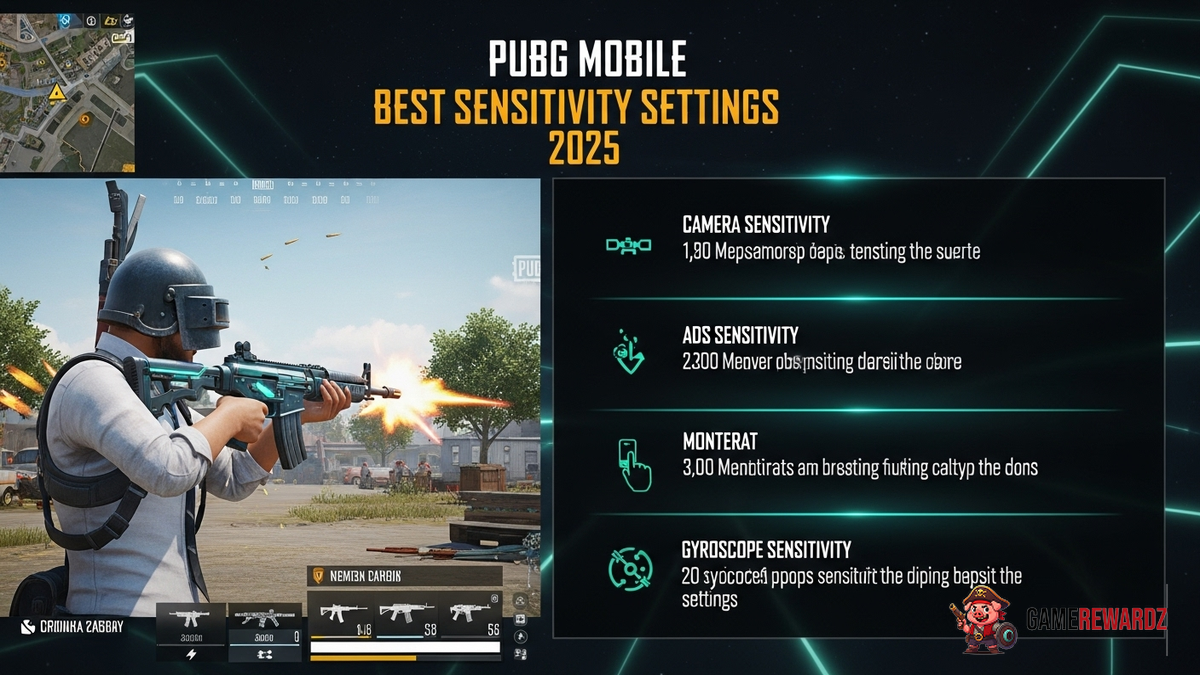
Okay, let's dive into something that's been bugging me – and probably you too if you're a PUBG Mobile fiend: getting those perfect sensitivity settings. I mean, we've all been there, right? Your crosshair jumps all over the place, you miss what should've been an easy headshot, and you're left wondering if it's your skill or just… the settings. More often than not, it's the settings. So, let’s talk about the PUBG Mobile Best Sensitivity Settings 2025. It's a moving target, but some fundamentals remain. And, seriously, who wants to keep getting sniped when you could be the one doing the sniping?
Finding Your Perfect Sensitivity: It's a Journey, Not a Destination
The thing about sensitivity settings is that there's no magical one-size-fits-all solution. Anyone who tells you otherwise is selling snake oil. It's all about what feels right to you. What works for a pro player might be utterly unusable for you, and vice-versa. Think of it like finding the right pair of shoes. You have to try them on, walk around a bit, and see how they feel. Sensitivity settings are the same – it’s a matter of tinkering and adjustment. Don't be afraid to experiment! And don't get discouraged if it takes a while to find what works. I’ve spent hours in the training grounds just tweaking things a tiny bit at a time. It's tedious, yes, but oh-so-worth-it when you finally nail it.
Actually, that’s not quite right. It’s not just about what feels right. It’s about what allows you to consistently perform well. Feeling good is important, but if you’re still missing shots, you need to keep adjusting. This gaming guide might help you improve aiming skills.
But before we dive into specific numbers (which I'll get to, I promise!), let's talk about the factors that influence your ideal sensitivity. This is crucial, because blindly copying someone else's settings is almost always a recipe for disaster.
Factors Affecting Your Sensitivity
First, there's your device. Are you playing on a phone or a tablet? A small phone will require a different sensitivity than a large tablet, simply because of the screen real estate and how your fingers move across it. Makes sense, right?
Then, there's your grip. Do you use your thumbs only? Or do you claw with multiple fingers? Your grip style significantly impacts how accurately you can control your movements. Actually, most pro players using claw grip, allows for more actions to be executed simulataneously.
And don't forget about your play style. Are you an aggressive rusher who loves close-quarters combat? Or a sneaky sniper who prefers to stay back and pick off enemies from afar? Your sensitivity needs will be vastly different. Consider visiting this amazing article to improve gameplay.
The Sensitivity Settings Breakdown
Okay, now we're getting to the meat of it. Let's break down the different sensitivity settings in PUBG Mobile and what they actually do.
- Camera Sensitivity (Free Look): This controls how fast your character looks around when you're not aiming down sights. It's important for situational awareness and quickly spotting enemies. I generally prefer a higher sensitivity here, but not so high that I can't control it.
- Camera Sensitivity (ADS): This is where things get really crucial. This controls your sensitivity while aiming down sights with different scopes. This is what determines how accurately you can track targets and land shots.
- Gyroscope Sensitivity: If you use a gyroscope (and you really should!), this controls how much your view moves when you tilt your device. It can be incredibly precise for fine-tuning your aim, especially at long ranges.
Each of these categories has multiple sub-settings for different scopes (red dot, holographic, 2x, 3x, 4x, 6x, 8x). And that's where the complexity comes in. It's not just about finding one perfect number; it's about finding a set of numbers that work together harmoniously.
I initially thought that gyro was something I could not use in PUBG Mobile, but after looking deeper, I found out that it really helps with aiming.
My Personal Sensitivity Recommendations (As of Right Now!)
Alright, I know you’re probably skipping ahead to this part. But remember what I said earlier: these are just starting points. Don't blindly copy these and expect to become a god overnight. Experiment! Tweak! Adjust!
Okay, here are my current go-to settings (as of October 26, 2023, because these things change!). I'm using a mid-range Android phone and a thumb-only grip, and I tend to play a somewhat aggressive, all-rounder style.
- Camera Sensitivity (Free Look): Around 80-90%. I need to be able to quickly scan my surroundings.
- Camera Sensitivity (ADS):
- Red Dot/Holo: 60%
- 2x: 45%
- 3x: 30%
- 4x: 25%
- 6x: 15%
- 8x: 10%
- Gyroscope Sensitivity:
- Red Dot/Holo: 300%
- 2x: 250%
- 3x: 200%
- 4x: 180%
- 6x: 80%
- 8x: 50%
Also, consider improving gaming experience and unlock features with this trick.
Remember, these are just starting points. The frustrating thing about this topic is the amount of trial and error it takes before finding the perfect setting. Play around with these settings and see what works best for you. Also, I know that there might be better settings for other people, depending on device and style of gameplay.
FAQ: PUBG Mobile Sensitivity Settings - Let's Clear Up Some Confusion
Let's tackle some common questions about PUBG Mobile sensitivity. I've seen a lot of misinformation out there, so let's set the record straight.
How do I know if my sensitivity is too high or too low?
Good question! A simple test is to try tracking a moving target. If your crosshair consistently overshoots the target, your sensitivity is probably too high. If you can't keep up with the target, it's too low. Another sign is difficulty making fine adjustments – if you struggle to make small, precise movements, your sensitivity might be off. Spend some time in the training grounds and focus on tracking moving bots. Pay attention to whether you're consistently over- or under-correcting.
Why do pro players use such different sensitivity settings?
As I've mentioned before, it's all about personal preference and play style. Pro players have often spent hundreds or even thousands of hours honing their settings. They've developed muscle memory and reflexes that are tailored to their specific setup. What works for one pro might be completely unusable for another. Don't get too caught up in trying to copy their settings exactly. Instead, try to understand the principles behind their choices.
Can PUBG Mobile best sensitivity settings 2025 really make me a better player?
Yes, absolutely! But it's not a magic bullet. Perfect sensitivity settings can certainly improve your aim, tracking, and overall control. But they won't magically turn you into a pro player overnight. You still need to practice, develop game sense, and make smart strategic decisions. Think of it as optimizing your equipment – it can give you an edge, but it's still up to you to use it effectively. Don't expect settings to change the whole game completely.
What's the deal with gyroscope vs. no gyroscope? Should I be using it?
In my opinion, using a gyroscope is a huge advantage. It allows for much finer aim adjustments, especially at long ranges. It takes some getting used to, but once you master it, you'll wonder how you ever played without it. If you're not using a gyroscope, you're leaving potential on the table. However, if it makes you uncomfortable, don't force it. Experiment with different sensitivity levels and see what works best for you. Some people prefer to use the gyroscope for all aiming, while others only use it for fine-tuning.














![Peggle [FLASH] Game](https://gamerewardz.com/thumbs/peggle-flash-game_2.webp)








