
































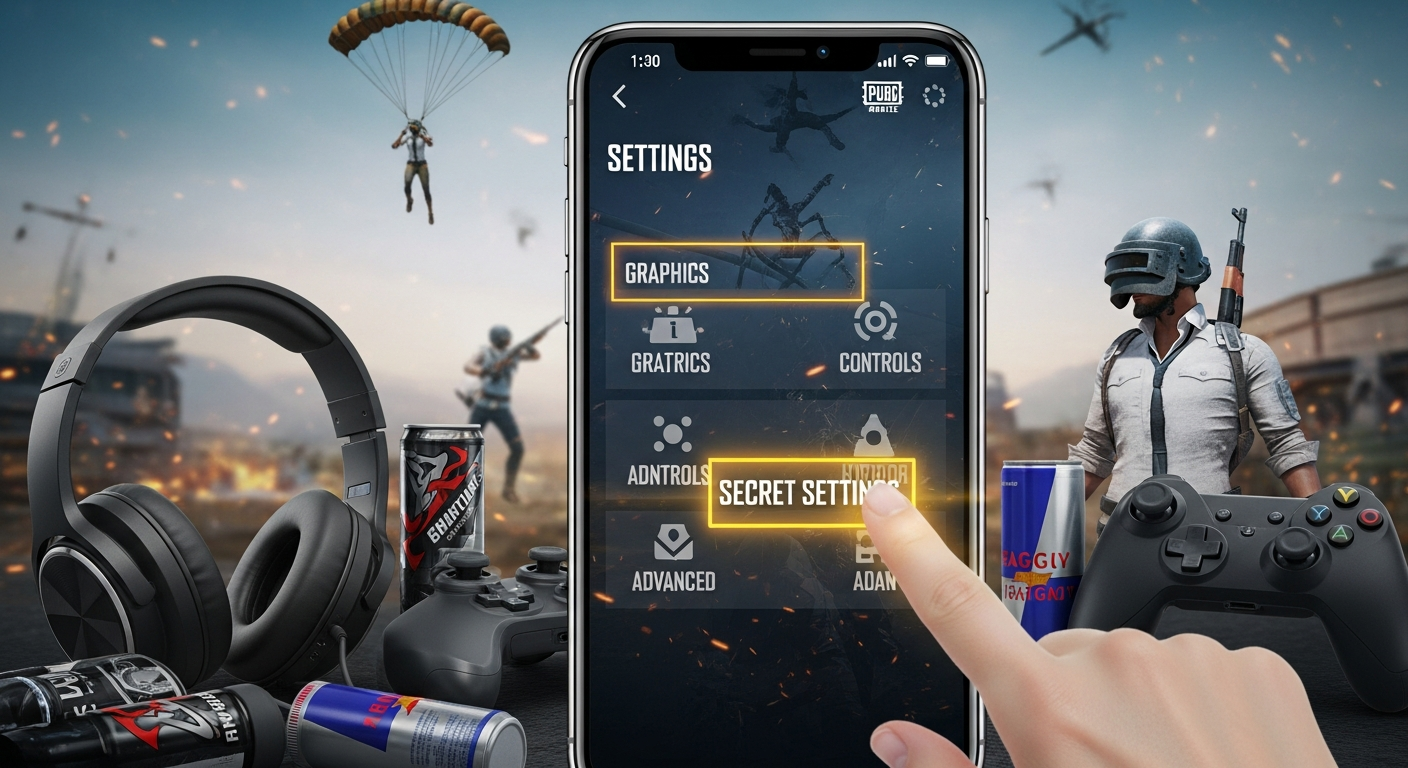
Okay, let's talk PUBG Mobile. You're probably already tweaking your sensitivity settings, right? Everyone does. But are you really optimizing your game? Because, here's the thing, there's a whole world of tucked-away settings that can seriously impact your gameplay. And I'm not just talking about slightly better graphics, I'm talking about making the difference between chicken dinner and rage-quitting.
I initially thought these settings were just minor tweaks, things only hardcore players would bother with. But after diving in, and spending, maybe a slightly embarrassing amount of time experimenting (for science!), I realized how wrong I was. Some of these hidden gems are game-changers. So, buckle up, because we're about to unlock some serious PUBG Mobile potential.
Unlocking Peak Performance: Graphics & Frame Rate
Let's start with the obvious, but also, let's get nuanced about it. Everyone cranks their graphics to the max, right? Wrong. It's tempting to push for HDR and Ultra HD, but unless you're rocking a top-tier phone, you're likely sacrificing precious frames per second (FPS). And in a game where milliseconds matter, every frame counts. Play PUBG on crazygames.
I've got to admit, this part fascinates me. It's a delicate balance. You want the game to look good, sure, but you absolutely need it to feel responsive. Experiment with different combinations of graphics settings (Smooth, Balanced, HD, HDR, Ultra HD) and frame rate options (Low, Medium, High, Ultra, Extreme). Personally, I found that a combination of Smooth graphics and Extreme frame rate gives me the best of both worlds on my mid-range phone.
And one more thing - Anti-aliasing. It's that little setting that smooths out jagged edges. It looks nice, but it can also tank your performance. Try disabling it and see if it gives you a noticeable FPS boost. You might be surprised.
Sound Settings: Hear Your Enemies Coming
Sound is massively underrated in PUBG Mobile. Most people just leave it at the default, but that's a mistake. Properly configured sound settings can give you a huge advantage in terms of spatial awareness. I remember one time, I was able to pinpoint an enemy's exact location just by listening to their footsteps, and I got the drop on them. Becoming a pro mobile gamer requires mastering those details.
Head to the audio settings and crank up the 'SFX' volume. This controls the volume of footsteps, gunshots, and vehicle sounds. You want to hear those cues loud and clear. Also, consider using headphones. It makes a world of difference in terms of directional audio.
But here's a pro tip: play around with the equalizer settings (if your phone has them). Boosting the high frequencies can make footsteps even more distinct, especially in noisy environments.
Mastering Control Customization
This is where things get really personal. PUBG Mobile's control customization options are surprisingly deep. You can adjust the size, position, and transparency of every single button on the screen. And you absolutely should.
The default layout is, frankly, not great. It's designed to be accessible, not optimal. Spend some time experimenting with different layouts until you find one that feels comfortable and intuitive. I know players who have spent hours perfecting their HUDs, and it’s not time wasted. Think about how you hold your phone, which fingers you use, and what actions you perform most frequently. Position the buttons accordingly.
A common mistake is having the fire button too far away. You want it to be easily accessible so you can react quickly in firefights. Also, consider using the 'peek' buttons. These allow you to peek around corners without exposing your entire body. Once you get used to them, they're incredibly powerful.
Wait, there's something even more interesting here... Gyroscope controls! I initially dismissed these as a gimmick, but after giving them a fair shot, I'm hooked. Gyroscope controls allow you to fine-tune your aim by tilting your phone. It takes some getting used to, but once you master it, you'll have significantly better control over your recoil.
Essential Hidden PUBG Mobile Settings: FAQs
How do I know if my graphics settings are too high?
The easiest way to tell is to monitor your FPS. If your FPS is consistently below 30, your graphics settings are probably too high. You'll notice stuttering and lag, especially during intense firefights. Lowering your graphics settings or disabling anti-aliasing can help improve your FPS.
Why is sound so important in PUBG Mobile?
Sound provides crucial information about your surroundings. You can hear enemy footsteps, gunshots, and vehicle sounds, allowing you to anticipate their movements and react accordingly. Good headphones and optimized sound settings can give you a significant advantage.
Can control customization really make that much of a difference?
Absolutely! A well-optimized control layout can drastically improve your reaction time and accuracy. By positioning the buttons in a way that feels comfortable and intuitive, you can reduce the amount of time it takes to perform actions like firing, aiming, and reloading.
Is it worth using gyroscope controls in PUBG Mobile?
It depends on your personal preference, but many players find that gyroscope controls significantly improve their aim and recoil control. It takes some practice to get used to, but once you master it, you'll have much finer control over your weapon. Experiment with different sensitivity settings to find what works best for you.
So there you have it. Some essential hidden PUBG Mobile settings that can help you take your game to the next level. Experiment, tweak, and find what works best for you. And remember, it's not just about having the right settings, it's about mastering them. Now go get that chicken dinner!














![Peggle [FLASH] Game](https://gamerewardz.com/thumbs/peggle-flash-game_2.webp)








