
































Okay, let's talk Roblox Studio. I've got to admit, diving into game development – especially when you're staring at a blank slate in a platform as powerful as Roblox – can feel like facing a monster in a video game. A really big, complex monster. But, here's the thing: it’s absolutely doable. And even better? It can be incredibly rewarding.
You might be wondering, “Why should I bother learning Roblox Studio?” Well, beyond the sheer fun of creating your own worlds and games, it’s a gateway to learning real-world skills in coding, game design, and even marketing. Plus, there's the potential (and I mean potential, not a guarantee!) to earn Robux, which can be converted into real money. Think of it as creative expression meets entrepreneurial spirit.
I remember when I first started tinkering with Roblox Studio. I initially thought it was just a platform for kids to mess around with. Boy, was I wrong! It's a full-fledged game development environment used by creators of all ages and skill levels. And the best part? It’s constantly evolving, with new features and tools being added all the time.
Understanding the Roblox Studio Interface
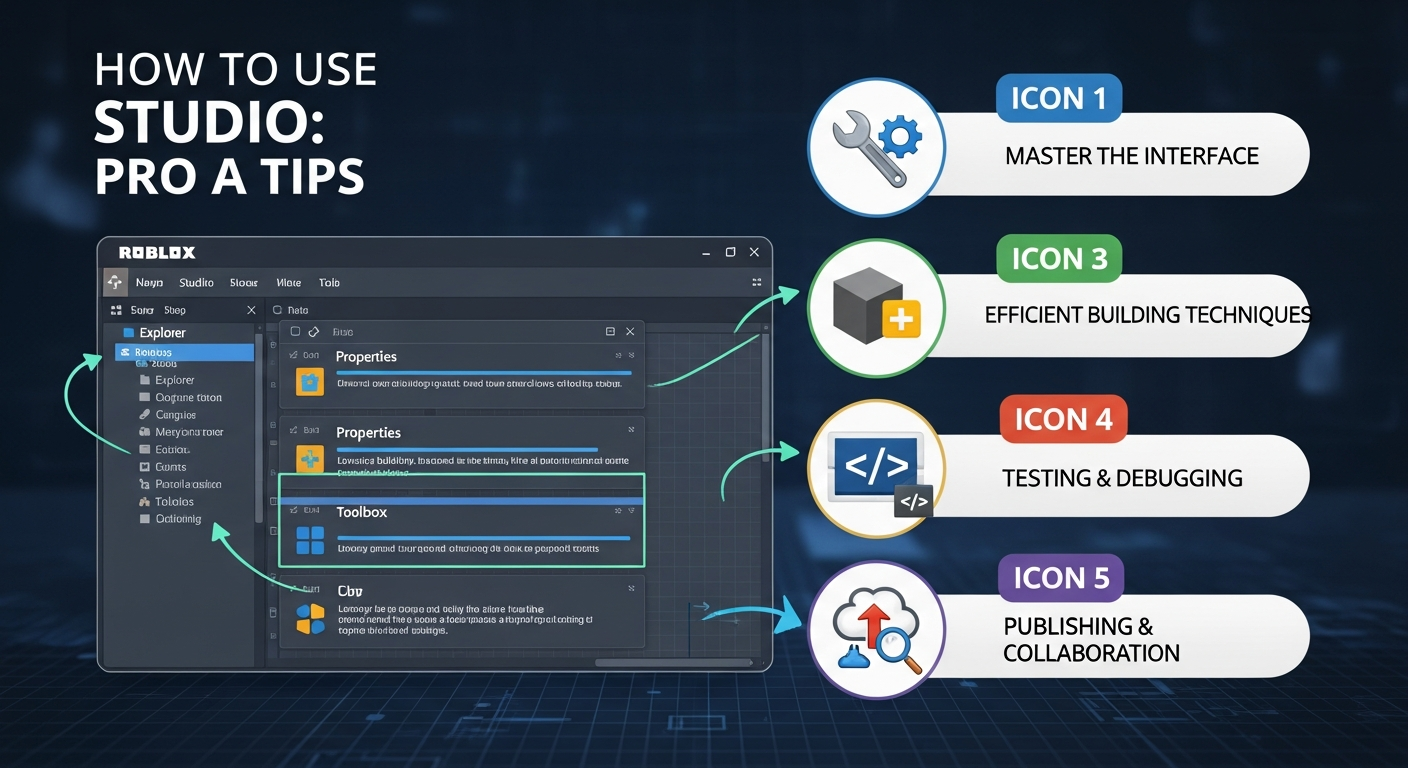
The first thing that hits you? The interface. It can seem daunting. All those buttons, panels, and windows...where do you even start? Don't panic! Let me break it down. Think of it as your artist's palette. You've got your main viewport where you build your world, your Explorer window that shows you the hierarchy of objects in your game, your Properties window where you can tweak the settings of each object, and your Toolbox filled with pre-made assets and models.
Spend some time just poking around. Click on things. Drag things. See what happens. That's the best way to learn. And don't be afraid to make mistakes. That's how you learn what not to do, right? One of the best parts? The vibrant community that makes it easy to find documentation, and examples.
One thing I wish I knew when I started? The importance of using the Command Bar. It's a little text box at the bottom of the screen where you can type in Lua code to manipulate objects and perform actions. It's incredibly powerful and can save you a ton of time. Think of it as your secret weapon.
Scripting in Lua: The Heart of Roblox Games
Okay, let's talk code. Scripting in Roblox Studio is done using Lua, a lightweight programming language that's relatively easy to learn. Don't let the word "programming" scare you off! It's not as intimidating as it sounds. Think of it as giving instructions to your game. "When the player touches this object, make them jump." That's essentially what scripting is all about.
The frustrating thing about learning to script is that it takes time and practice. There's no magic bullet. But there are plenty of resources available to help you get started. The Roblox Developer Hub is a great place to find tutorials, documentation, and sample code. Actually, that's not quite right...it’s the best place. I keep coming back to this point because it's crucial. And there are tons of great YouTube channels and online communities where you can learn from other developers.
And remember that Command Bar I mentioned earlier? You can use it to test out snippets of Lua code and see how they work in real-time. It's a fantastic way to experiment and learn. Start small. Don't try to build the next big hit game right away. Focus on learning the basics and gradually building your skills. Start with a simple obby, then move on to something more complex.
Building Your World: Tips and Tricks
Now for the fun part: building your world! Roblox Studio provides a wide range of tools and assets to help you create anything you can imagine. From basic shapes and textures to complex models and animations, the possibilities are endless. But with so much to choose from, it can be overwhelming. Here's a few tips I’ve found helpful. Start with a clear vision. What kind of world do you want to create? What kind of gameplay do you want to offer?
Don't be afraid to use pre-made assets and models from the Toolbox. There's no shame in standing on the shoulders of giants. But don't just copy and paste. Customize them to fit your vision. Tweak the colors, textures, and shapes to make them your own. And pay attention to detail. Even small things like adding shadows and reflections can make a big difference in the overall look and feel of your world.
One trick I learned early on? Use the Snap to Grid feature. It helps you align objects precisely and create clean, organized environments. It’s amazing how much neater things look. But don’t be afraid to turn it off when you need more control. I almost forgot! Textures are your friend. Experiment with different textures to create interesting and realistic surfaces.
Oh! And here's another crucial tip. Back up your work regularly! Save your game frequently and create backups in case something goes wrong. Trust me, you don't want to lose hours of work because of a glitch or a mistake. Version control is your friend, even if it feels a little intimidating at first.
And for a bit of lighthearted fun... check out Roblox games.
Monetization: Turning Your Passion into Profit
Okay, let's talk about the elephant in the room: making money with Roblox Studio. While it's not a get-rich-quick scheme, there are definitely opportunities to earn Robux (and eventually, real money) from your games. The key is to create something that people enjoy playing and are willing to spend money on.
There are several ways to monetize your games. You can sell in-game items, offer paid access to certain areas or features, or even run ads. But the most important thing is to be fair and transparent with your players. Don't try to trick them into spending money. Give them something of value in exchange for their hard-earned Robux.
I initially thought X, but after looking deeper, I found out that a lot of creators use developer products or game passes to allow users to unlock certain in-game features. This not only increases the chances of monetization but also greatly enriches user experience. It’s a win-win situation. But it’s not always easy. It takes time and effort to build a successful game and attract a loyal following.
And I've got to admit, this part fascinates me. The whole concept of a user-generated content platform where creators can earn a living from their passion is pretty amazing. But it's also important to be realistic. Not every game will be a hit. And even successful games require constant updates and maintenance to keep players engaged.
FAQ: Your Roblox Studio Questions Answered
How do I know if Roblox Studio is right for me?
That's a great question! Honestly, the best way to find out is to just try it. If you enjoy creating things, solving problems, and learning new skills, then Roblox Studio might be a perfect fit. It can seem intimidating at first, but with a little patience and perseverance, anyone can learn to use it. Don’t worry if you aren’t coding wizard just yet, there are tons of templates, and tutorials online that can help you get off to a running start.
Why is my Roblox game lagging so much?
Ah, the dreaded lag! There are several reasons why your game might be lagging. It could be due to excessive use of complex models, too many scripts running at the same time, or even network issues. Try optimizing your models, reducing the number of scripts, and making sure your internet connection is stable. Sometimes, even seemingly harmless things like excessive particle effects can cause lag. Experiment and see what works!
How can I make my Roblox game stand out from the crowd?
Good question. With so many games on Roblox, it can be tough to get noticed. The key is to create something unique and engaging. Think about what makes your game different from all the others. What new ideas can you bring to the table? Focus on creating a fun and immersive experience that players will want to come back to again and again. Market your game on social media too! Let the world know how much heart and soul you put into it.
Is Roblox Studio really free to use?
Yep, Roblox Studio is absolutely free to download and use. You don't need to pay anything to create and publish your games. However, there are some optional features that require Robux, the in-game currency. For example, you can purchase assets from the Toolbox or run ads to promote your game. But these are entirely optional, and you can still create amazing games without spending a dime. It’s just a way of making the game more interesting, more easily.
So, there you have it – a pro's guide to mastering Roblox Studio. It's a journey that takes time, effort, and a whole lot of creativity. But trust me, it's worth it. The feeling of seeing your own creations come to life and being enjoyed by players around the world is truly amazing.














![Peggle [FLASH] Game](https://gamerewardz.com/thumbs/peggle-flash-game_2.webp)








